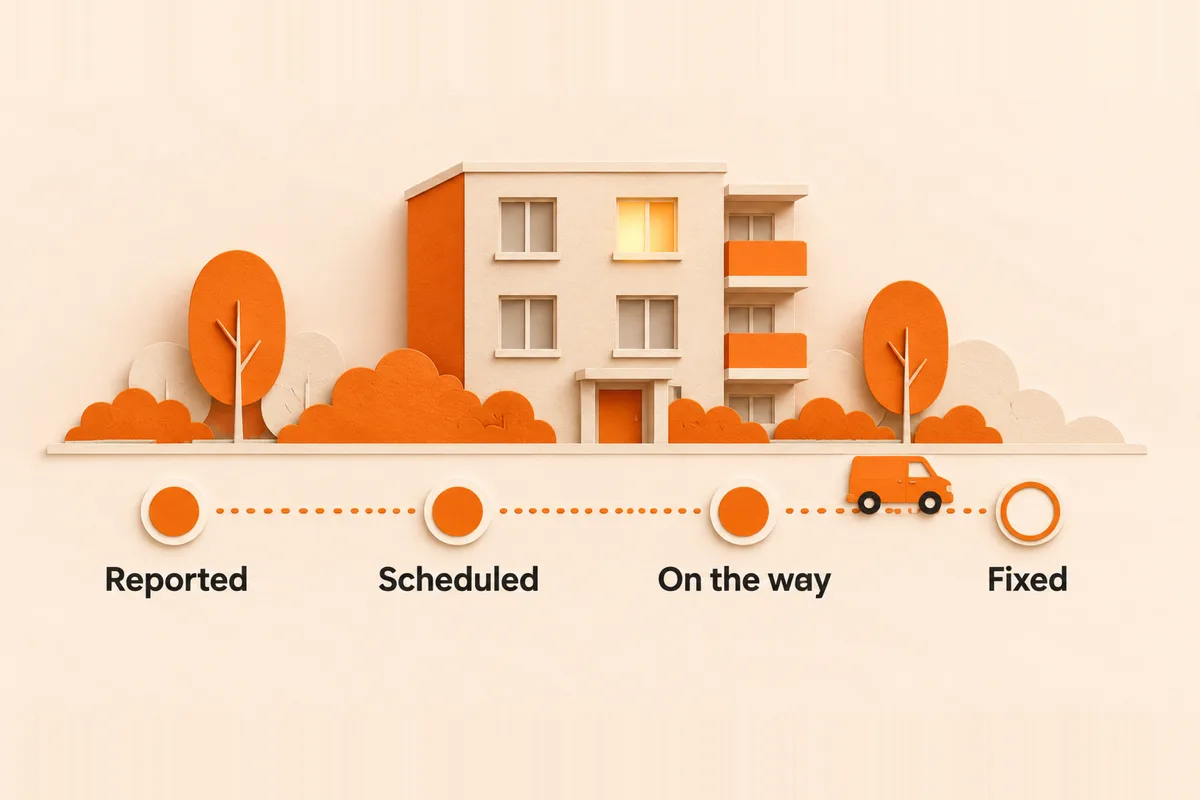
The stages
One message per stage
Delayed is the one most teams skip, and the one that drives the calls.
The templates
Received
Hi [first name], we have your request about [issue] at [address]. We are assigning a vendor and will confirm a date by [day]. If it gets worse, or water is spreading, call [emergency line] now.
Scheduled
Hi [first name], [vendor] will come to fix [issue] on [date], between [window]. [Access note: they will use the office key / please be home / pets secured]. Reply here if that time does not work.
Delayed
Hi [first name], an update on [issue]: [reason in one line, for example the part is on order]. The new date is [date]. Sorry for the wait. We will message you again on [day] either way.
The last sentence does the work. A promised next message, kept, is what makes residents stop calling.
Fixed
Hi [first name], [vendor] has finished the repair on [issue]. Could you check it and reply if anything is still wrong? We will close the request in [number] days if we do not hear back.
Know which jobs have stalled
The updates only go out if someone notices the job is stuck. Run your open work order report once a day and look for these.
| Signal | What it usually means | Next step |
|---|---|---|
| Assigned, no date set | Vendor has not accepted | Chase the vendor, then reassign |
| Date passed, still open | Missed visit or unrecorded finish | Ask vendor for status today |
| Waiting on parts | Nobody owns the follow-up | Set a date to check, tell the resident |
| Resident messaged twice | The update was missed | Send the update before anything else |
For the vendor side, use the vendor follow-up templates.
Draft them with AI
Export your open work orders as a spreadsheet, put these templates in a ChatGPT or Claude Project, attach the export and send:
From the attached open work order report, list every job that has no scheduled date, a scheduled date in the past, or no update in the last 3 days. Group them by vendor. For each, draft the resident update from the matching template in this Project, using only facts in the report. Mark any job where the report does not say why it is late.Fill in the reason yourself where it is marked. Never let a guessed reason go to a resident.
Every open job, every day
- It has a scheduled date or a reason it does not.
- The resident heard from you since the last change.
- Every delay message names the next time you will update them.
- Closed jobs were confirmed by the resident, or the window passed.
Questions
How often should I update a resident on a work order?
At every change of stage: received, scheduled, delayed and fixed. If nothing changes for a few days, send a short update anyway.
What do I tell a resident when a repair is delayed?
The reason in one line, the new date, and when you will update them next. Then keep that promise.
How do I find stalled work orders?
Run the open work order report daily and look for jobs with no date, a date that has passed, or no update in several days.
Can AI write work order updates?
AI can draft them from your open work order report and your templates. A person checks the reason for any delay before it goes out.